01 / CREATIVE CLARITY
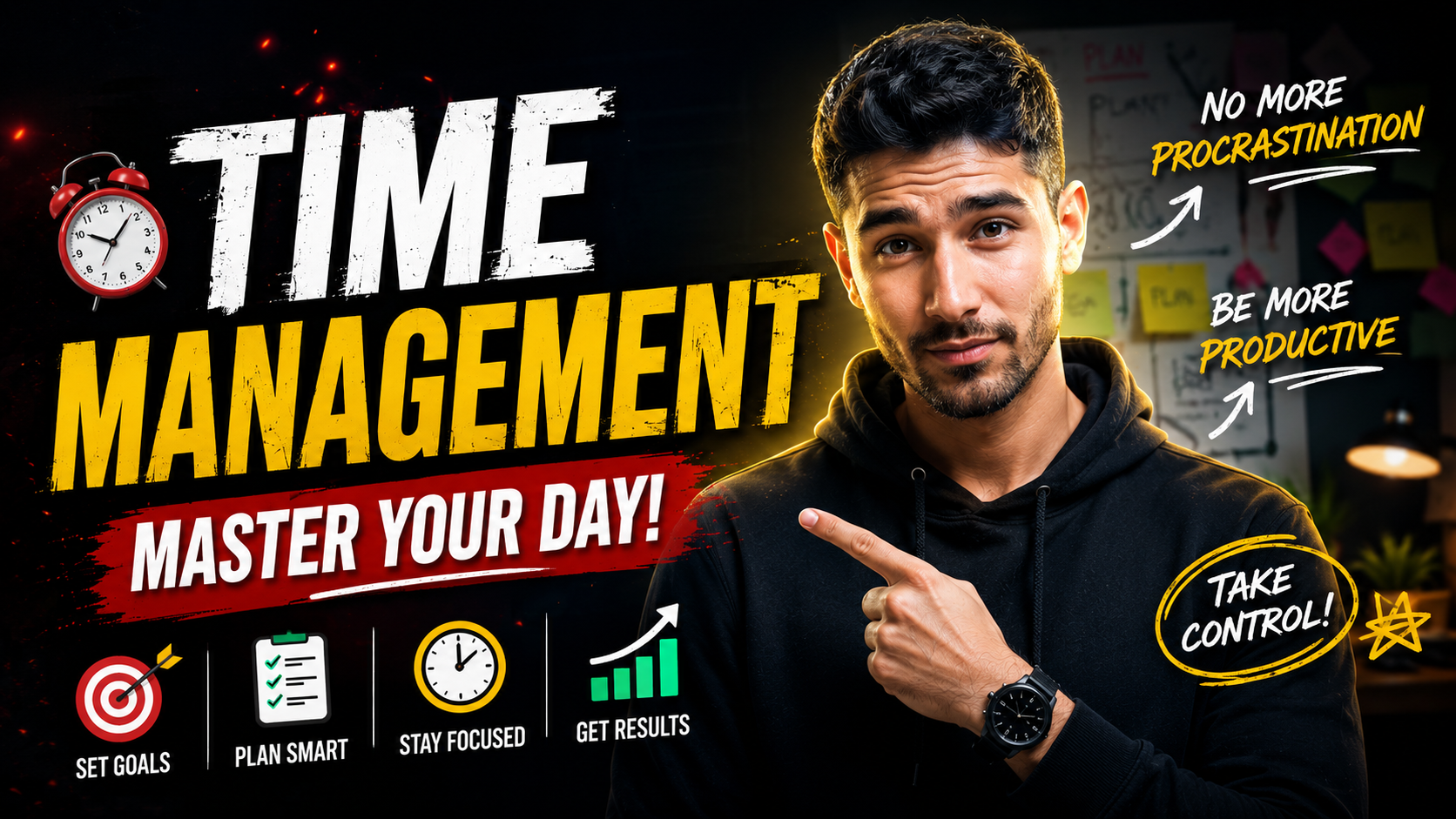
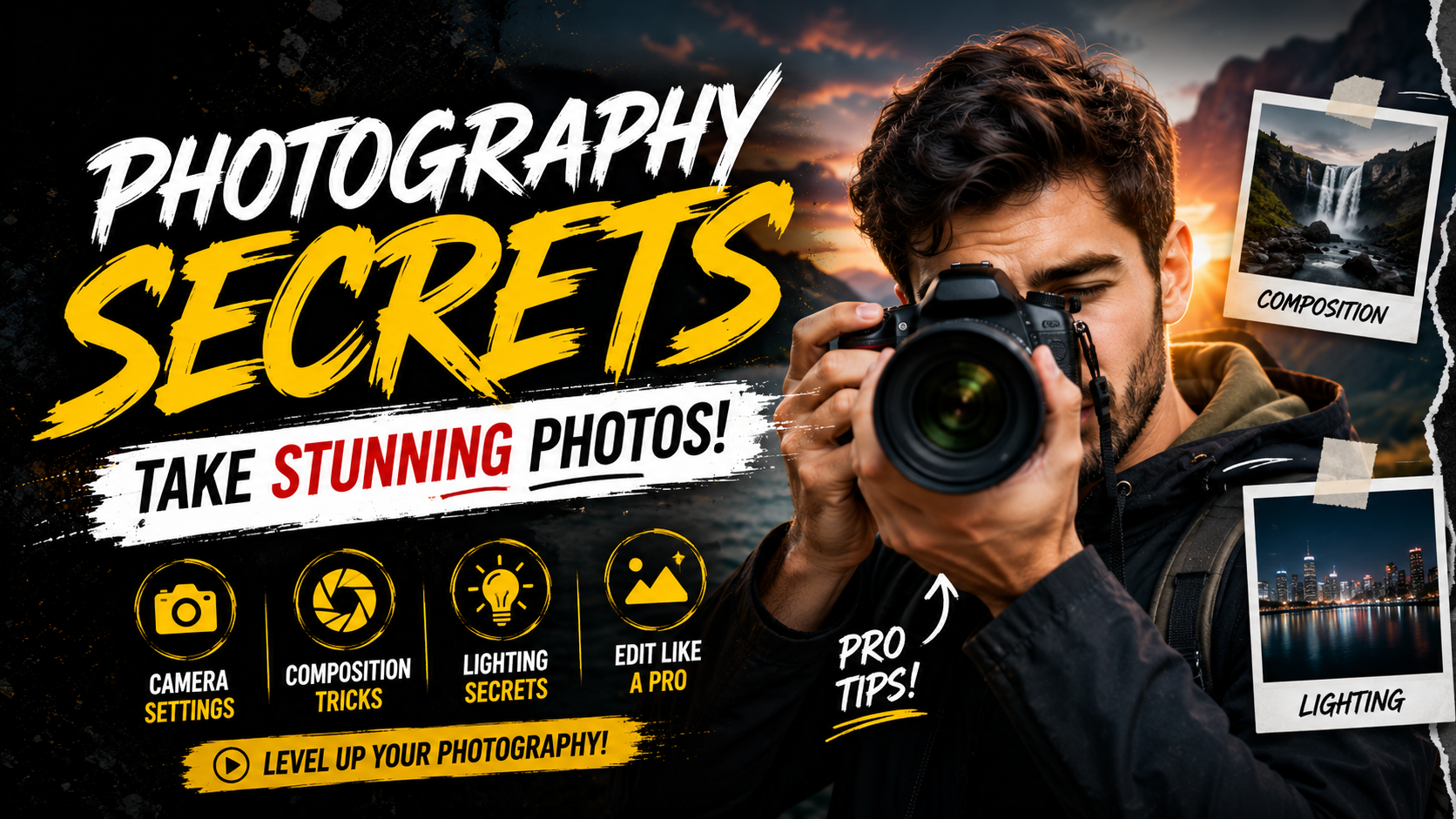
Thumbnails that get noticed
Create a clear focal point, readable typography and breathing room so the viewer understands the image immediately.
Learn more
 Weelume


Generate studio-quality YouTube & Shorts thumbnails that stop scrolling and drive clicks in seconds. No design skills needed.
Interactive demonstration. No AI generation or upload.
 1.2M views
 890K views
 2.5M views
 3.1M views
 540K views
 4.2M views
 1.8M views
 1.1M views
Some of the creators who explore Weelume
Noah Bennett ✓150K+ SubscribersNoah Bennett ✓150K+ SubscribersNoah Bennett ✓150K+ SubscribersNoah Bennett ✓150K+ SubscribersNoah Bennett ✓150K+ SubscribersNoah Bennett ✓150K+ SubscribersIt’s not the algorithm. It’s not your content. It’s the packaging. If people don’t click, they don’t watch.
Create a clear focal point, readable typography and breathing room so the viewer understands the image immediately.
Learn moreManage ideas, references and editing notes together to make feedback more specific and production simpler.
Learn moreSTANDARD TITLE · CTR 3.4%DRAMATIC RESULTS · CTR 12.8%Auto-packaging completed: High CTR ready · Demo
Explore workflows inspired by Canva, Figma and professional design software. This integration showcase does not establish external connections.
Learn moreCanva · Explore a professional creative workflow
Create scroll-stopping thumbnails and explore a clearer creative workflow.
Instantly turn any idea into a ready-to-test thumbnail. Type your concept and watch it come to life in seconds.
Interactive demonstration. No AI generation or upload.
Paste any YouTube link or upload a reference image. Explore the relationship between composition, subjects and typography.
Interactive demonstration. No AI generation or upload.
Click hotspots on the draft canvas or write simple editing notes to adjust typography, subjects and layouts.
Interactive demonstration. No AI generation or upload.
Inspect 4K PNG, layered documents, compressed images and transparent subject export presets.
3840 × 2160 · Demo preset
PNG / PSD / JPG / ALPHAInteractive demonstration. No AI generation or upload.
Videos Packaged
Views Generated
Honestly, the tool is outstanding, the level of detail is incredibly sharp, the quality it produces is unmatched, and the speed at which it delivers results is truly impressive.
Noah Bennett ✓150K+ Subscribers · Demonstration testimonialClick, interact and explore the production workflow. All processing is simulated locally.
File Size: 14.2 MB · Demonstration
Explore how a design board can map text, color layers and subject outlines while preserving a structured editing workflow.
Text, colors and subjects in one view.
Keep a clear layer structure.
Run a simulated scan to inspect focal regions, contrast and a preset CTR score. This is an interactive visualization, not real eye tracking.
See where attention could concentrate.
Evaluate reading clarity at small sizes.
30 DAYS ALONEPredicted CTR · Demo3.5%Click to trigger laser heatmap analysis
A clearer creative storyWeelume · DEMO PREVIEW
Toggle device previews to inspect image composition and title layouts before preparing your design package.
Inspect desktop and mobile layouts.
Preview a transparent export workflow.
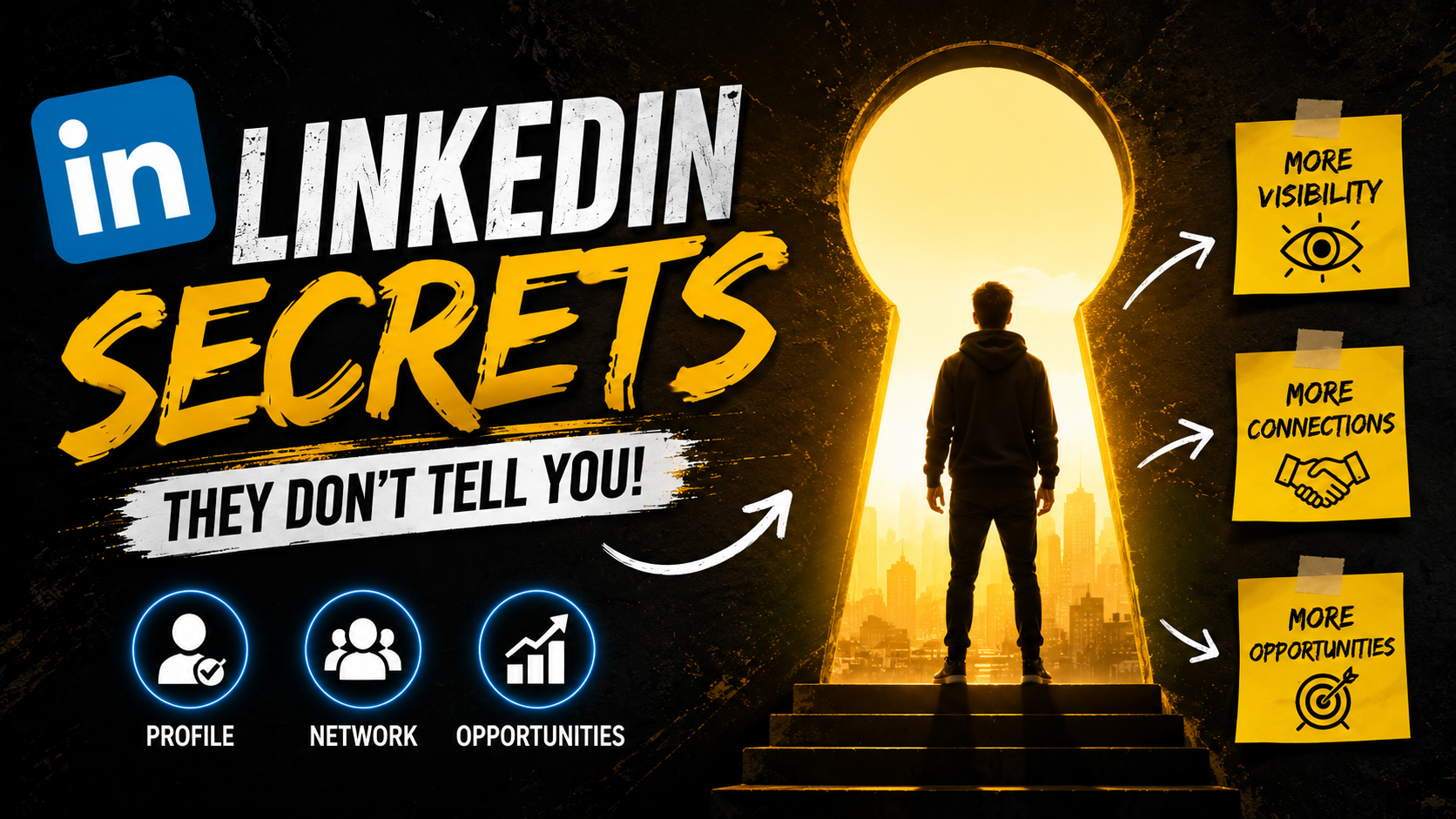
Explore the composition. Adapt the prompt. Make the idea your own.
DAY 5Man trapped inside a tiny wooden tunnel, holding a burning lighter, terrified expression, cinematic survival scene, dramatic high contrast lighting
 DAY 12
Scuba diver shining a bright flashlight on a giant squid eye in the dark ocean depth, cinematic dramatic lighting
DAY 30Shocked man pointing at a mountain of gold bars inside a bank vault, cinematic beams of light and vivid colors
DAY 45Transparent glass cabin on a thin stone pillar above a sea of clouds, magnificent orange and pink sunset sky
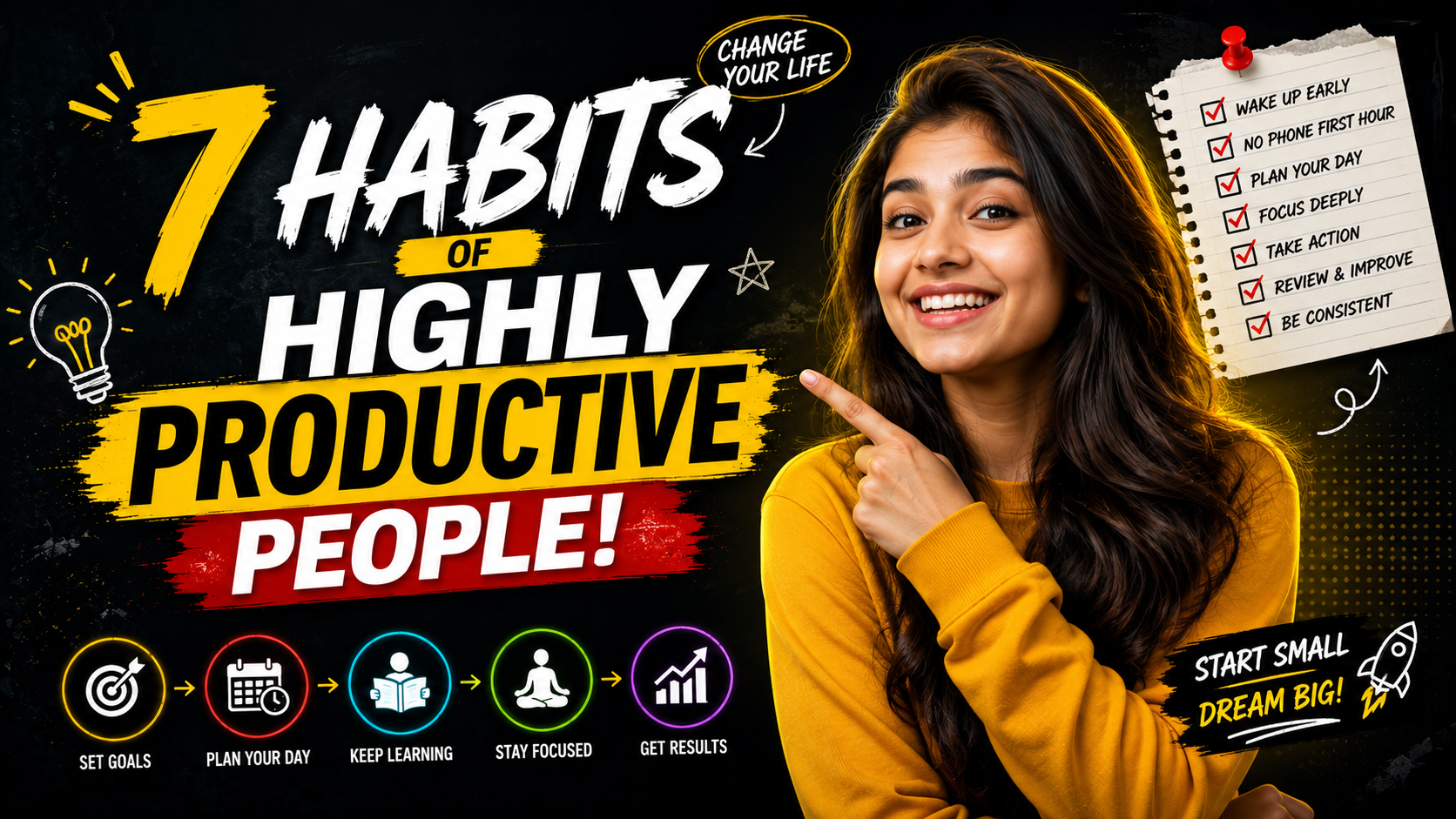 DAY 100
A T-Rex stepping out of a glowing portal inside a modern science lab, dramatic action and volumetric lighting
 DAY 150
Close up of a neon security keypad being unlocked by a suspenseful man in a high tech facility
Tap individual cards to inspect illustrative diagnostic telemetry. All testimonials and metrics are demo content.
Understand the creative workflow and the limits of this demonstration.
Type an idea, choose an example prompt or select a local reference. This template demonstrates the workflow without connecting to an AI generation service.
 Weelume