 Weelume
Voo’s Cinema

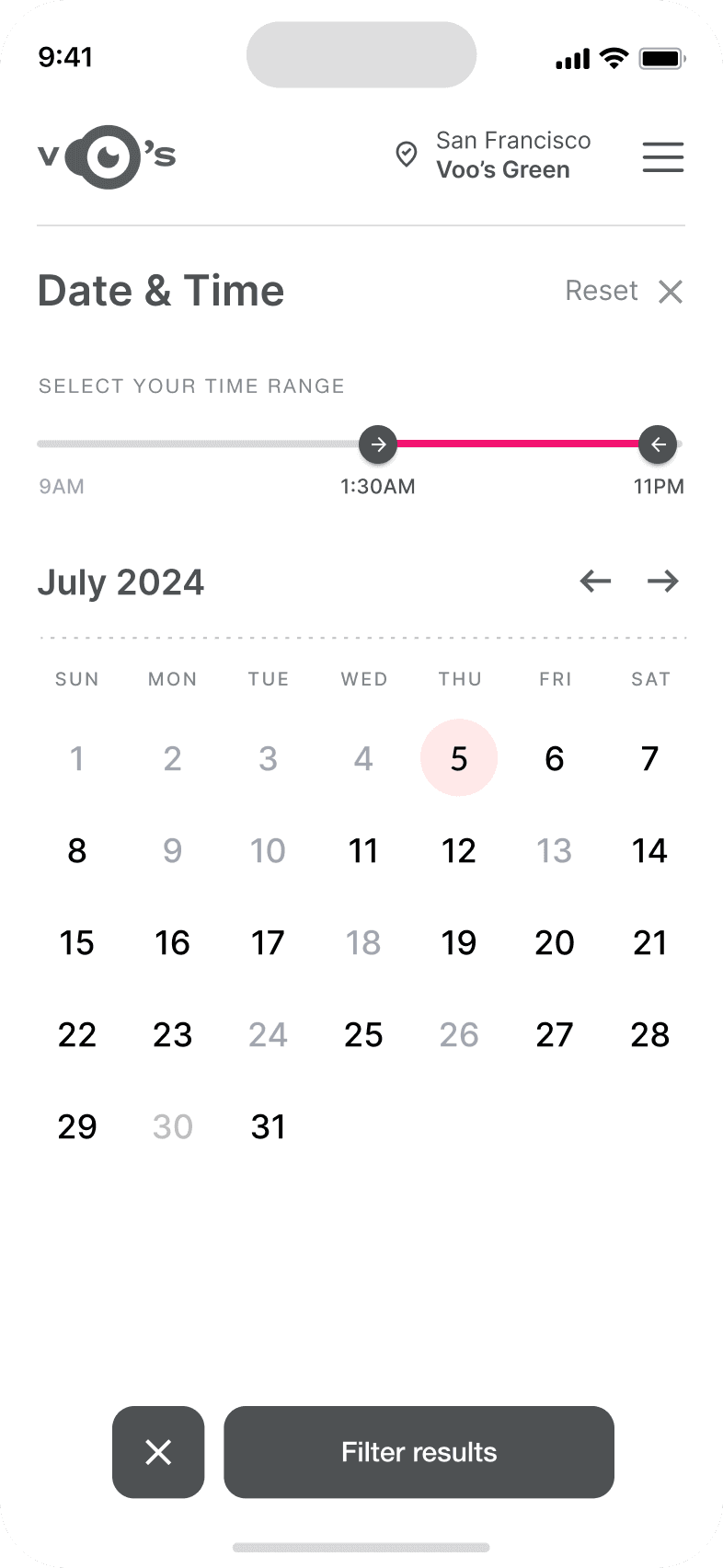
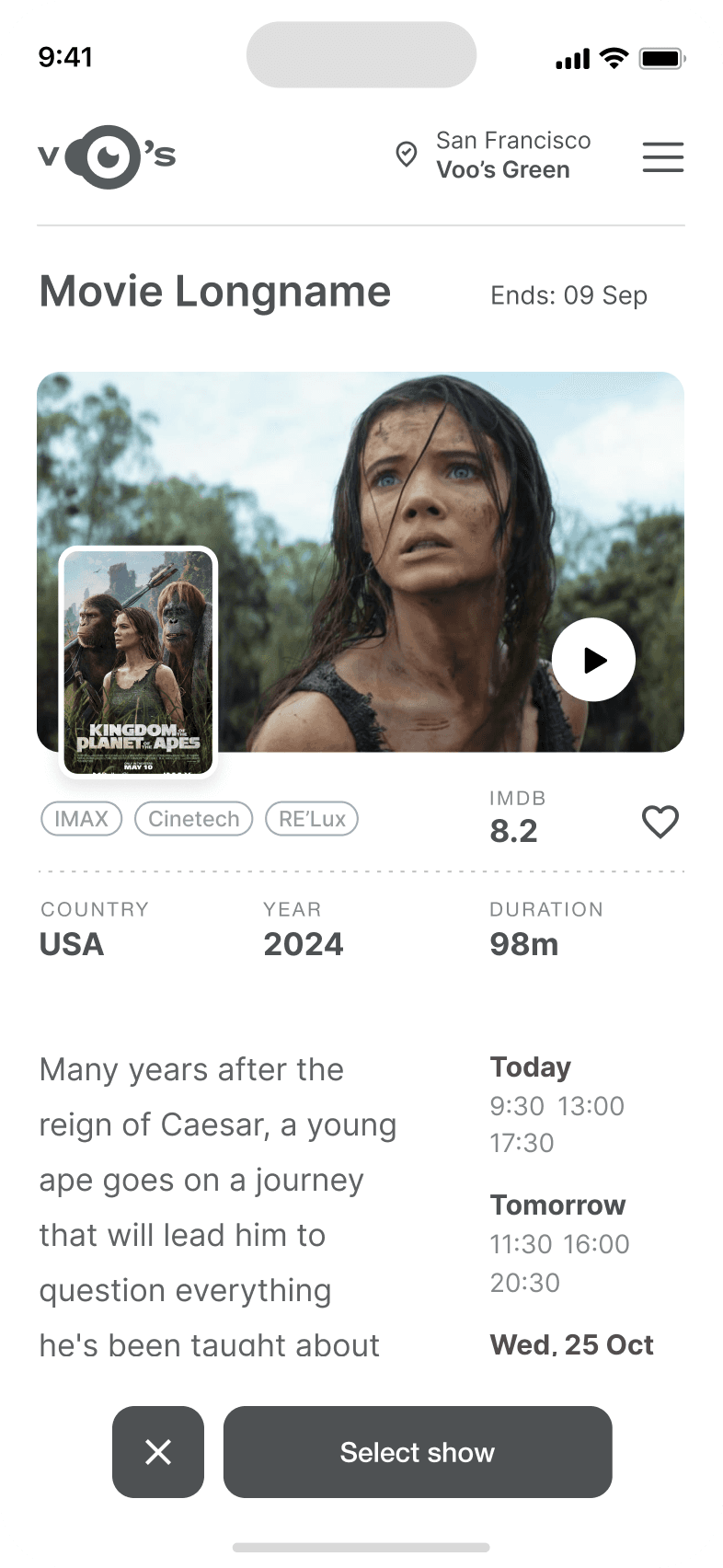
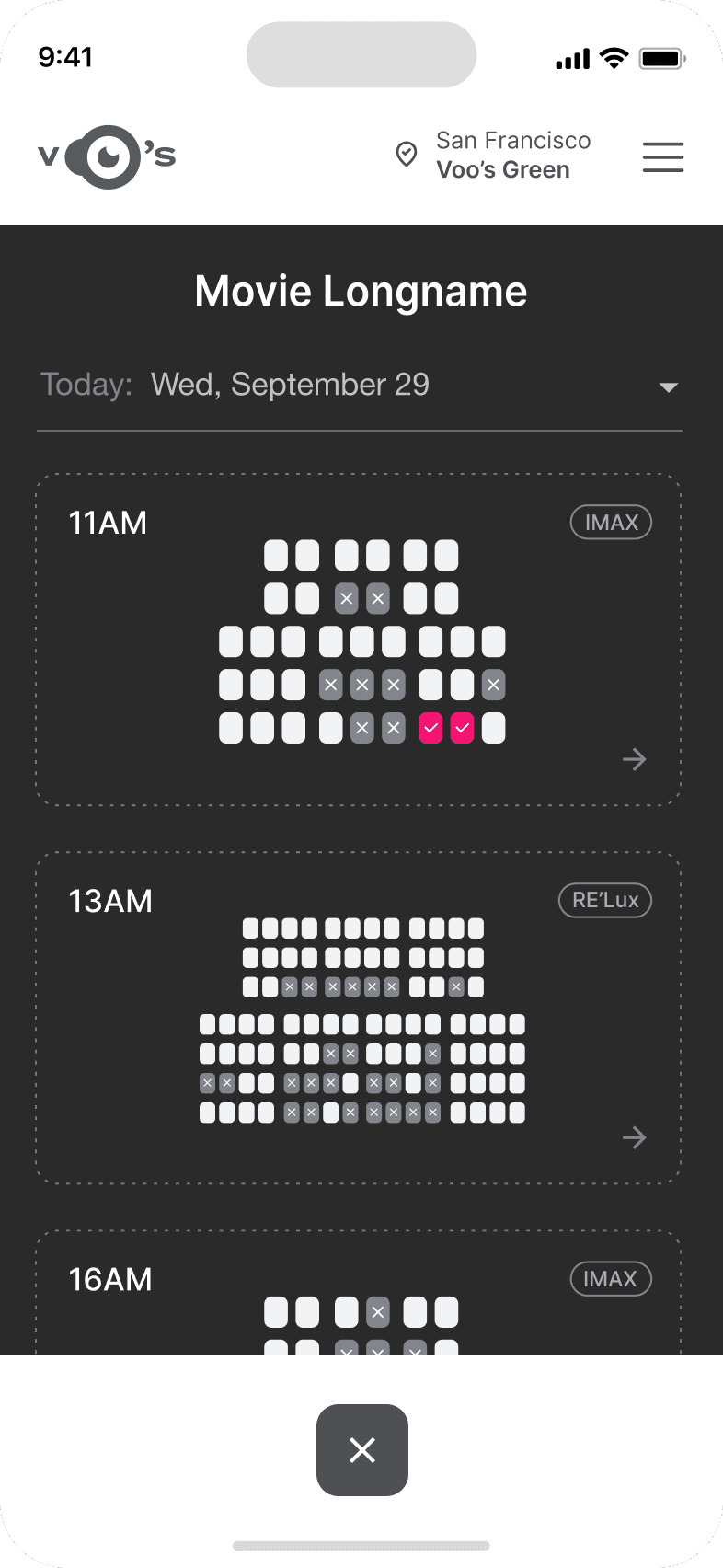
Project Overview
A cinema app bringing film discovery, showtimes and ticket booking into one seamless mobile experience.
Problem
Busy cinema apps make navigation, seat selection and checkout unnecessarily difficult.
Goal
Make browsing, seat selection and ticket purchasing clear and straightforward.
My role
UX and interface designer for Voo’s Cinema.
Responsibilities
Research, information architecture, wireframes, usability studies, visual design and interactive prototypes.
User Research
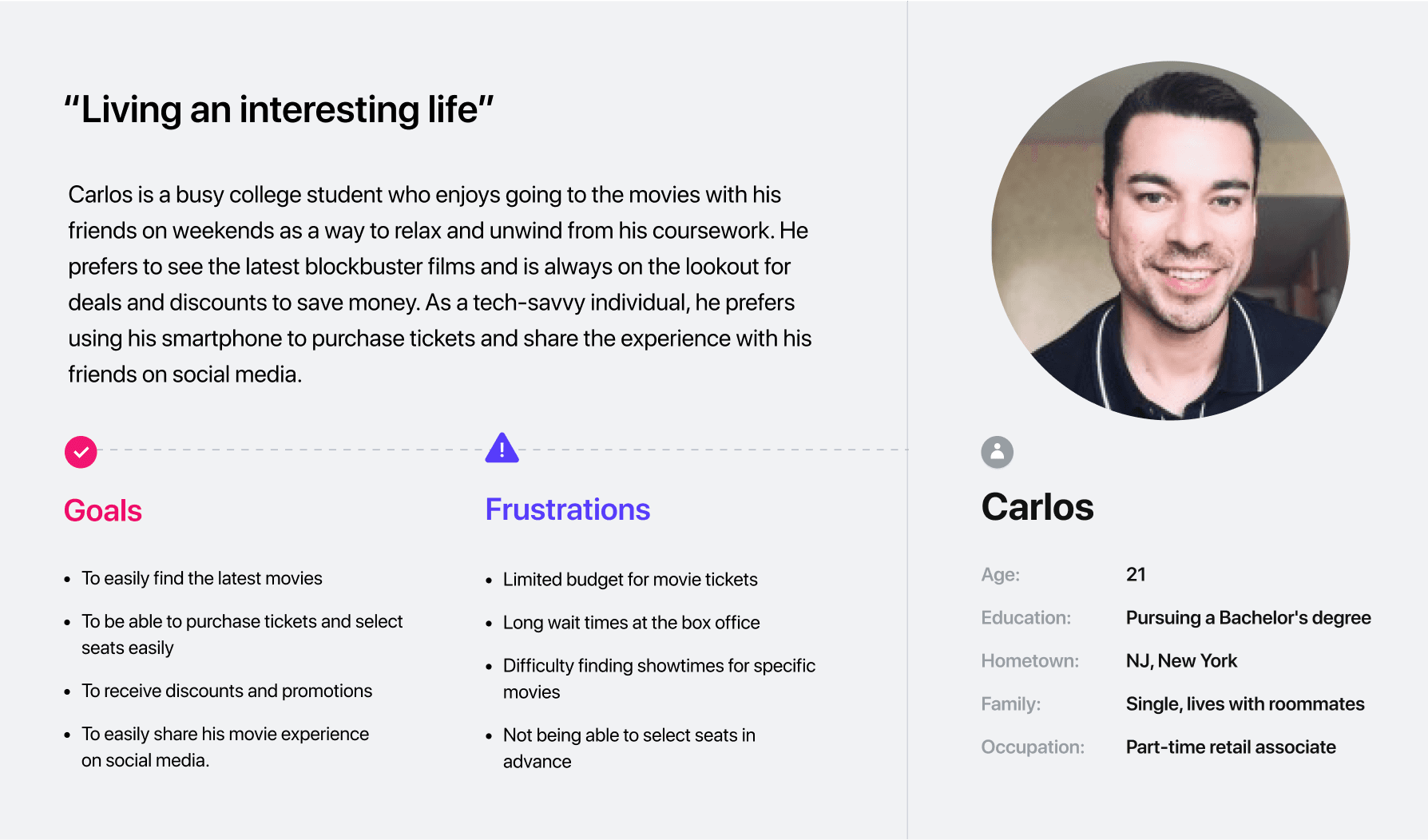
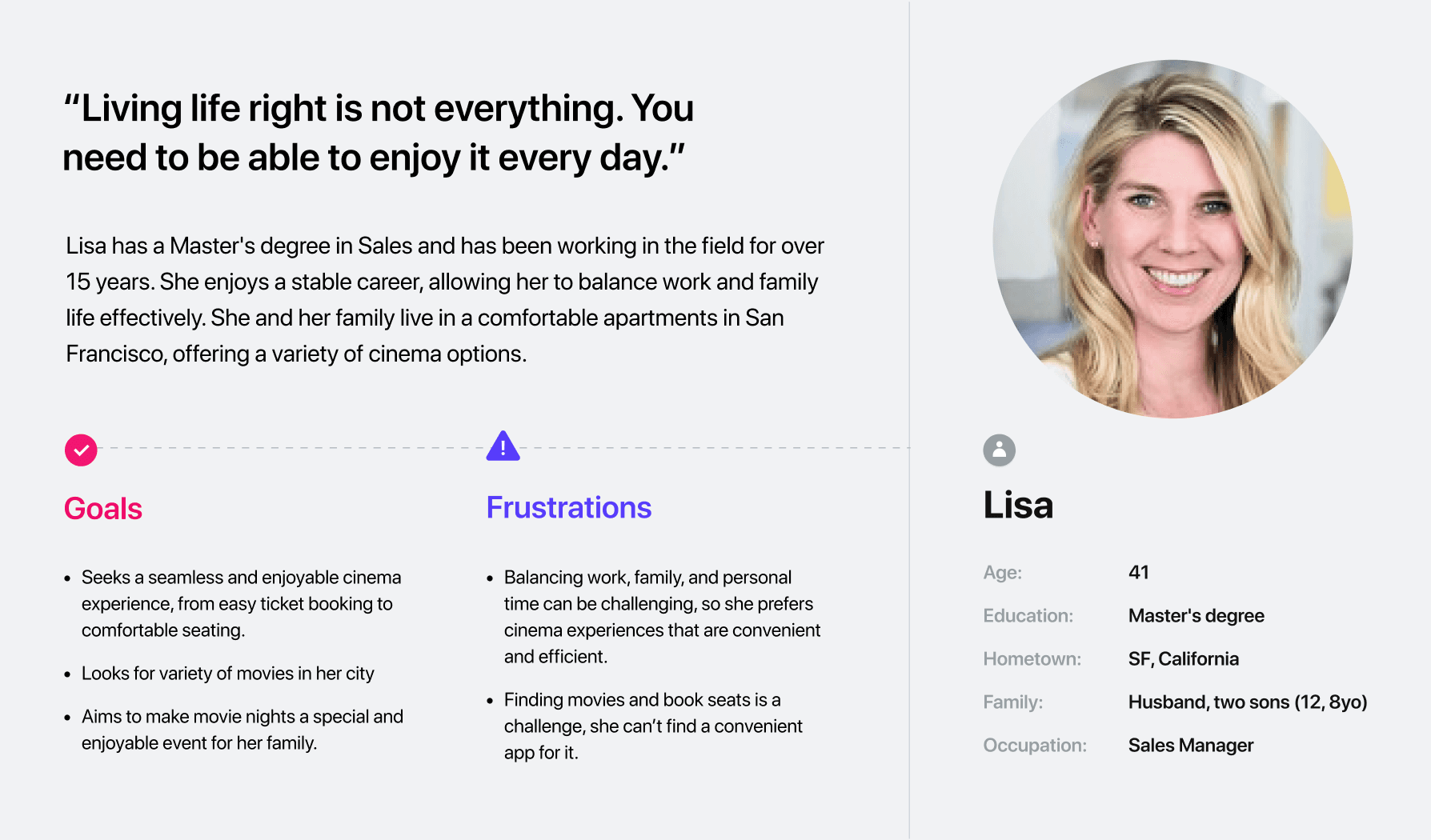
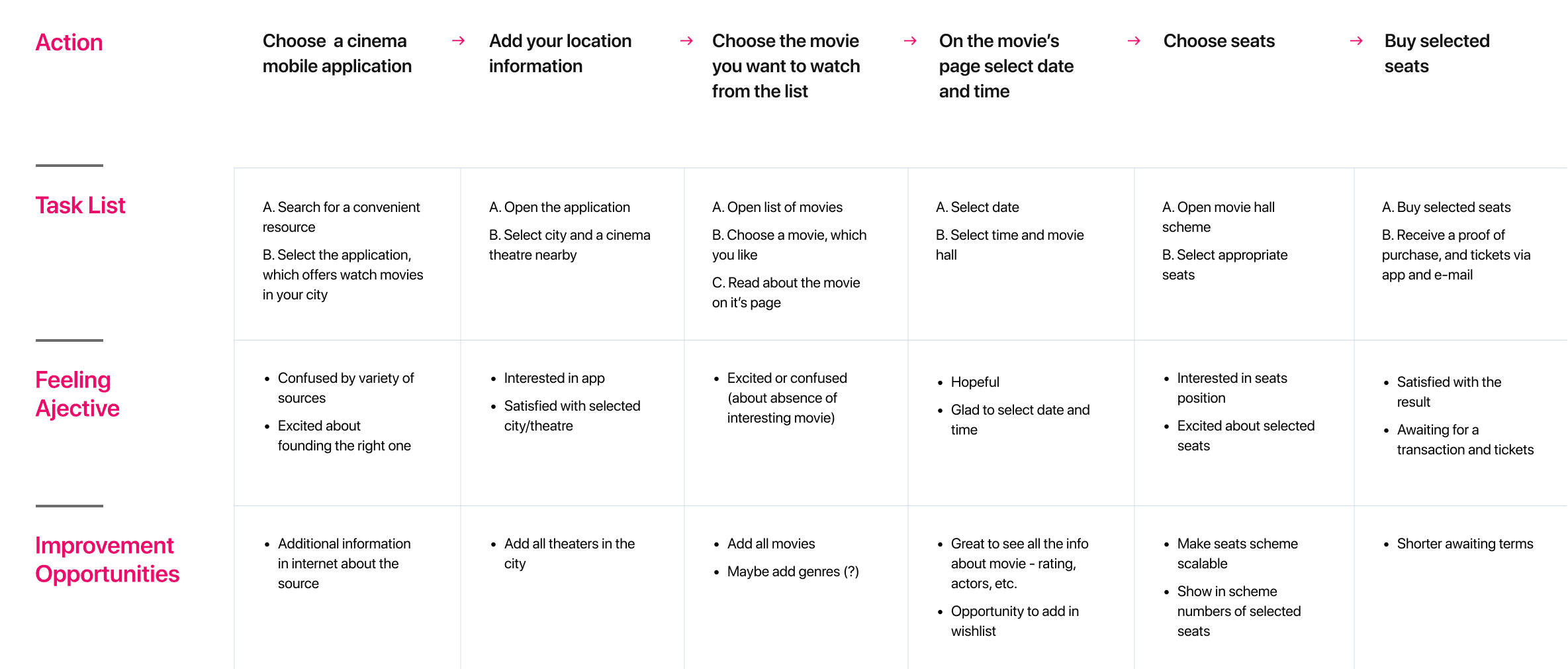
Interviews and empathy maps inform the personas. Mapping real tasks reveals friction and helps prioritise the core experience.
Pain Points
Clear information
Busy cinema apps make navigation, seat selection and checkout unnecessarily difficult.
Intuitive interaction
Busy cinema apps make navigation, seat selection and checkout unnecessarily difficult.
A coherent journey
Busy cinema apps make navigation, seat selection and checkout unnecessarily difficult.
User Personas
User Journey Map
Make browsing, seat selection and ticket purchasing clear and straightforward.
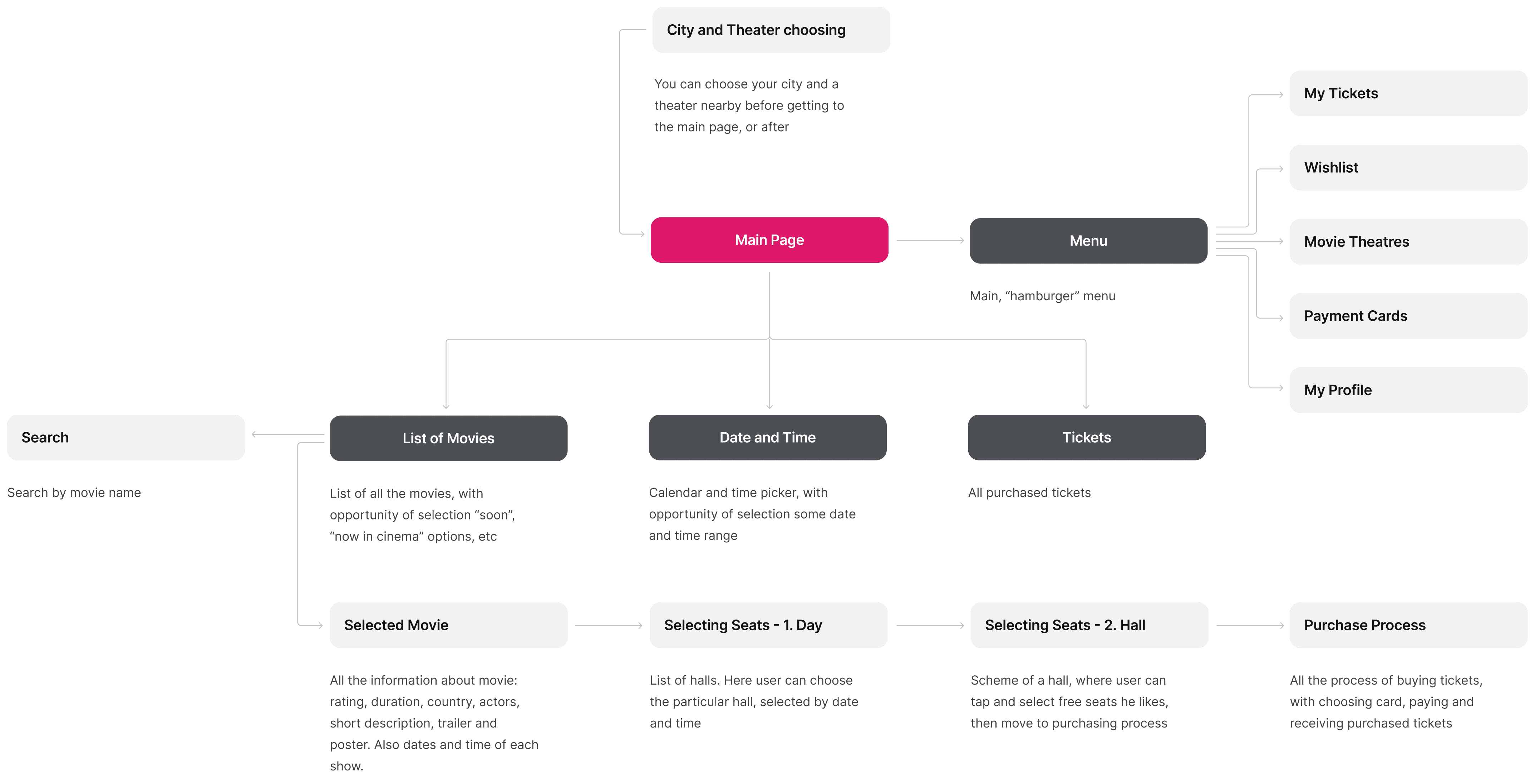
Starting the Design
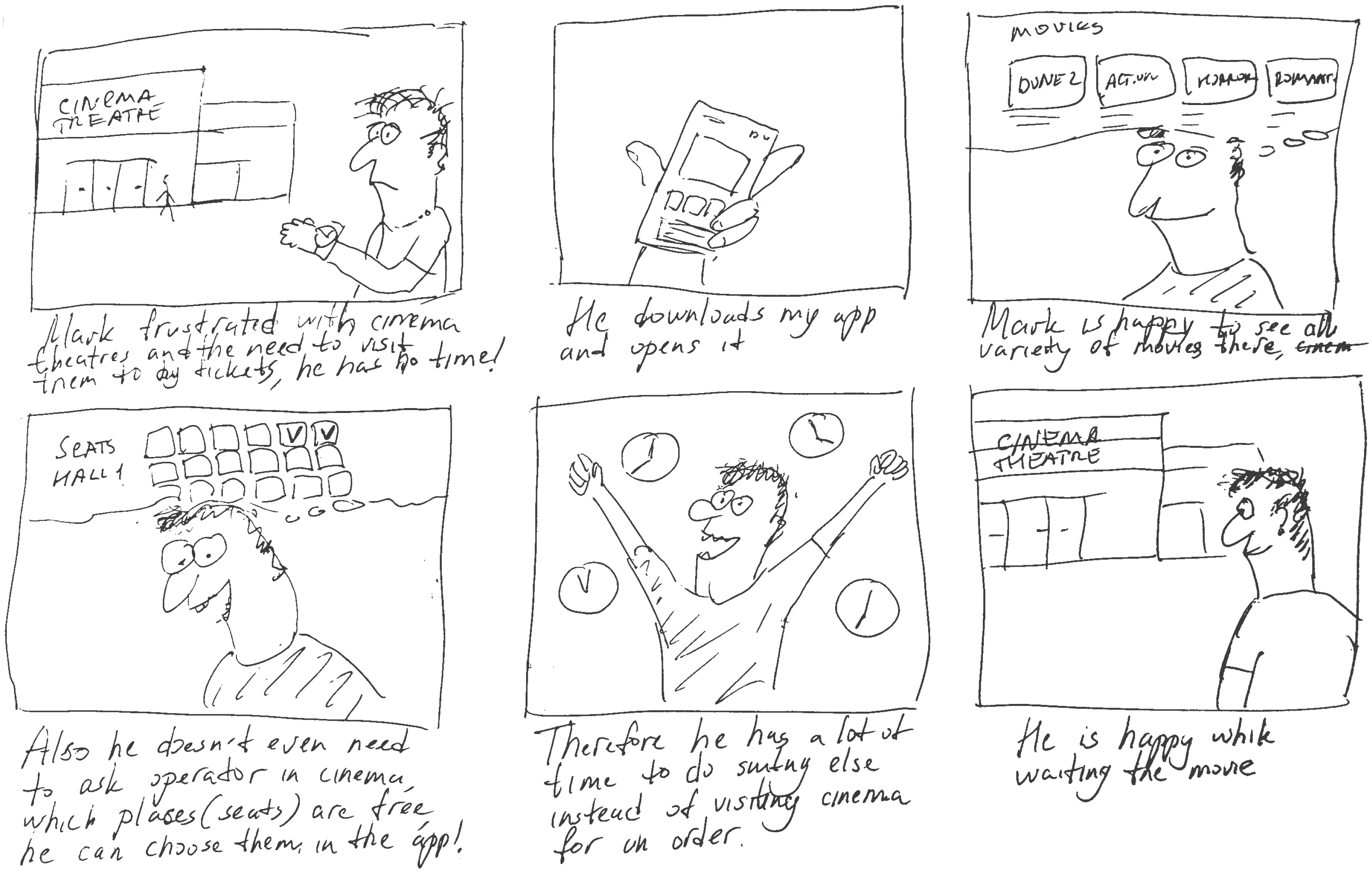
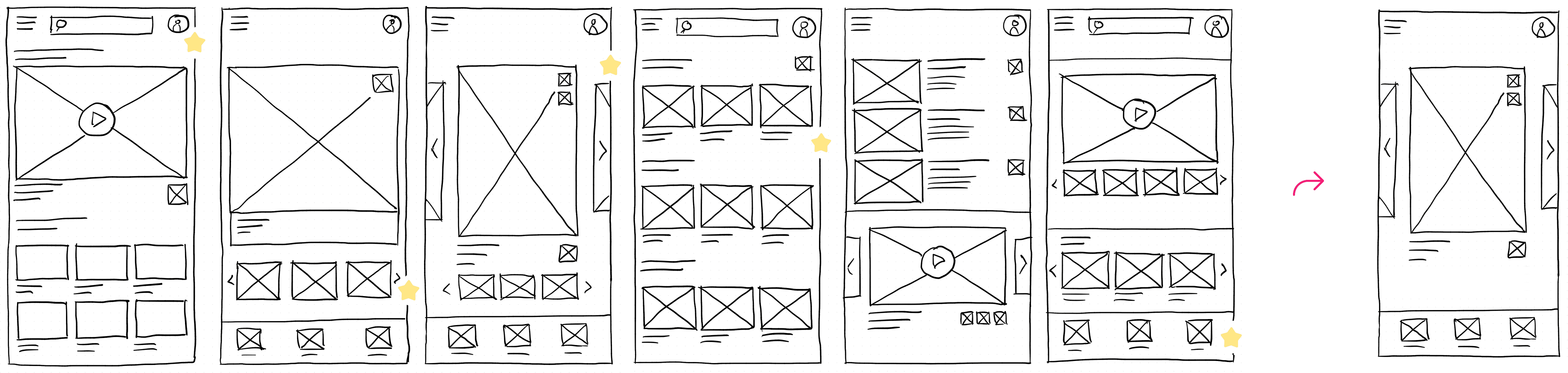
Information architecture and paper sketches develop into wireframes and a low-fidelity prototype. Navigation and task flows are tested before visual design.
Storyboards
Sitemap
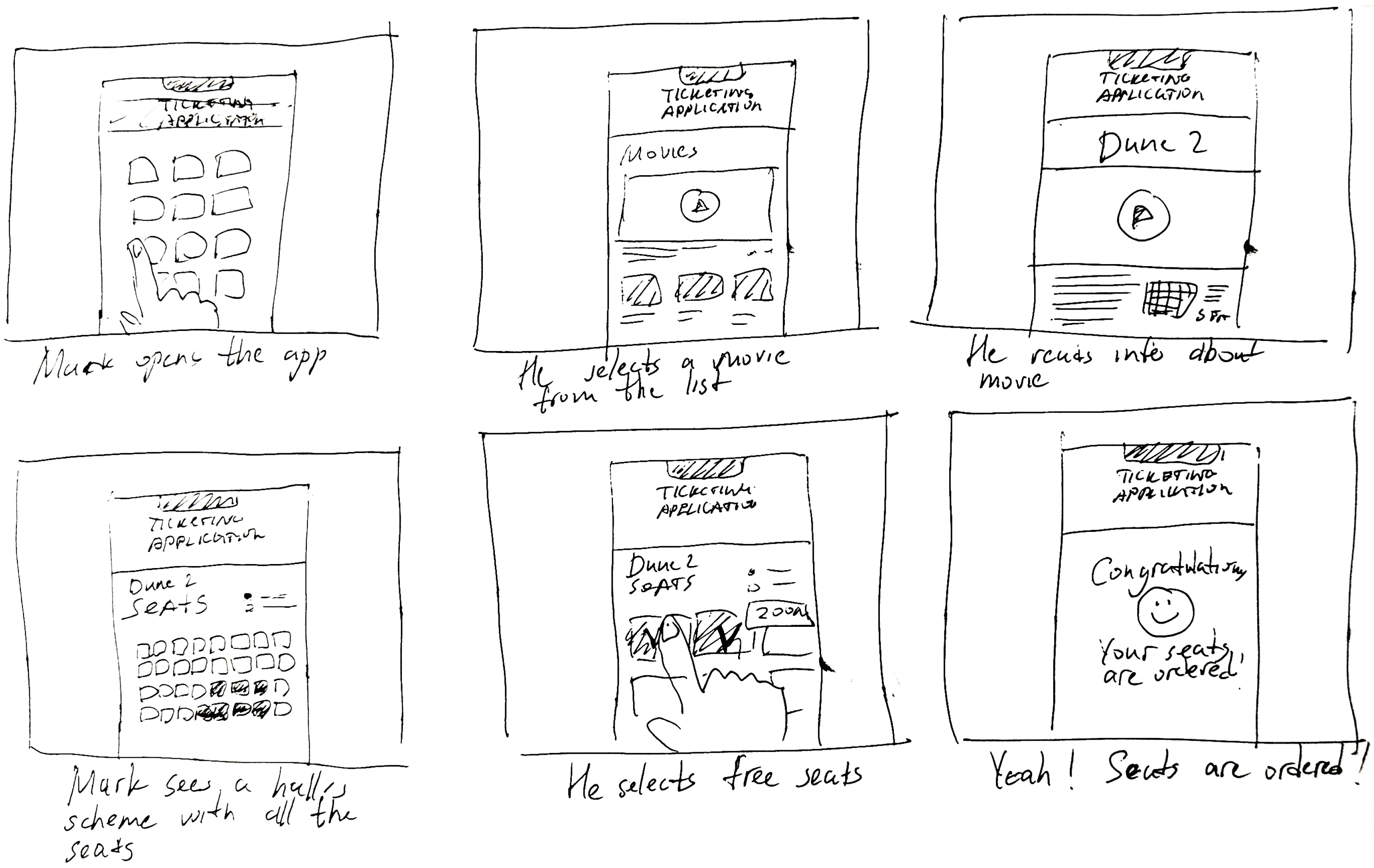
Paper Wireframes
Digital Wireframes
Digital Wireframes

Digital Wireframes
Usability Studies
Participants complete key tasks while we observe uncertainty and friction. Findings guide changes to hierarchy, entry points and status feedback.
Refining Design
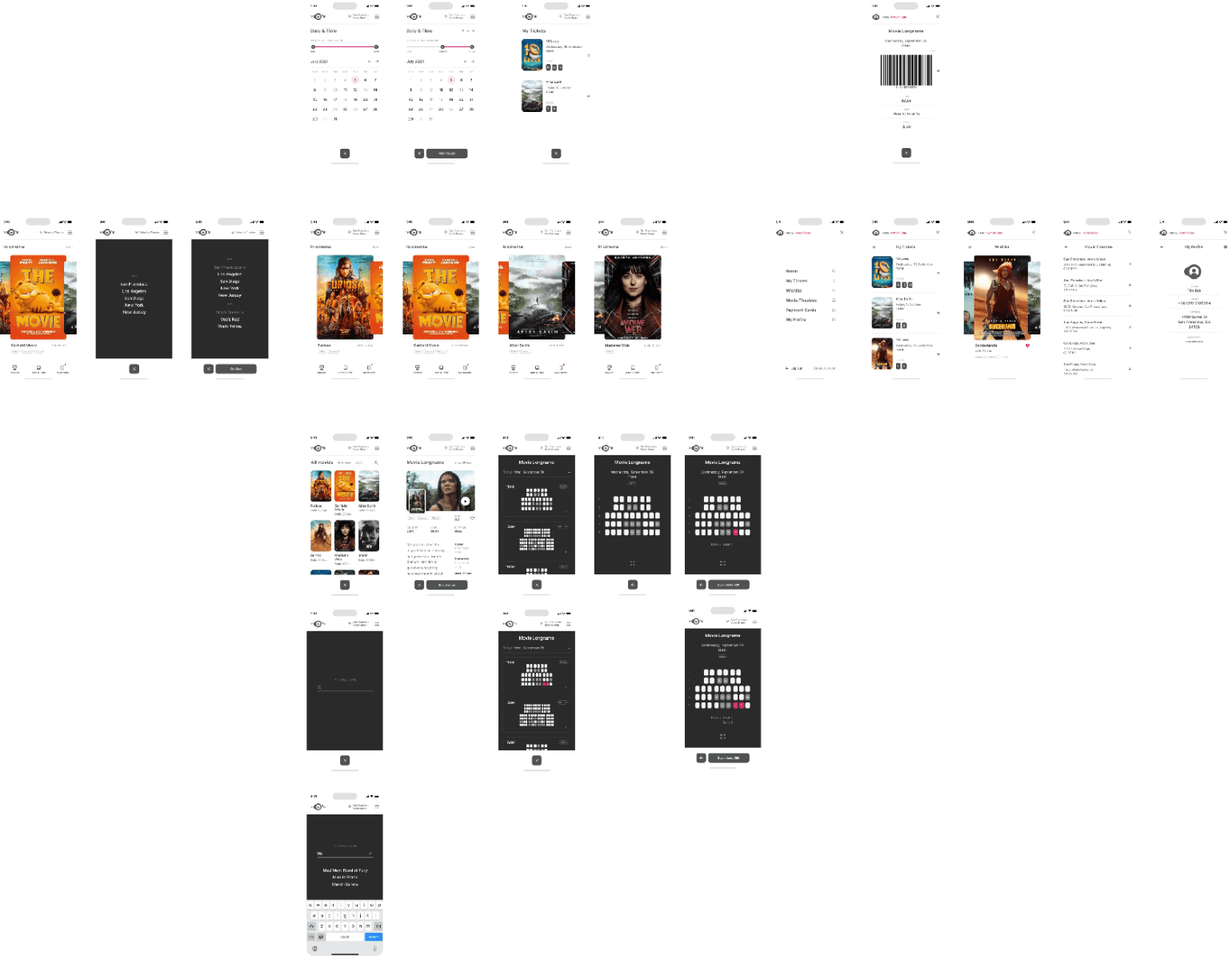
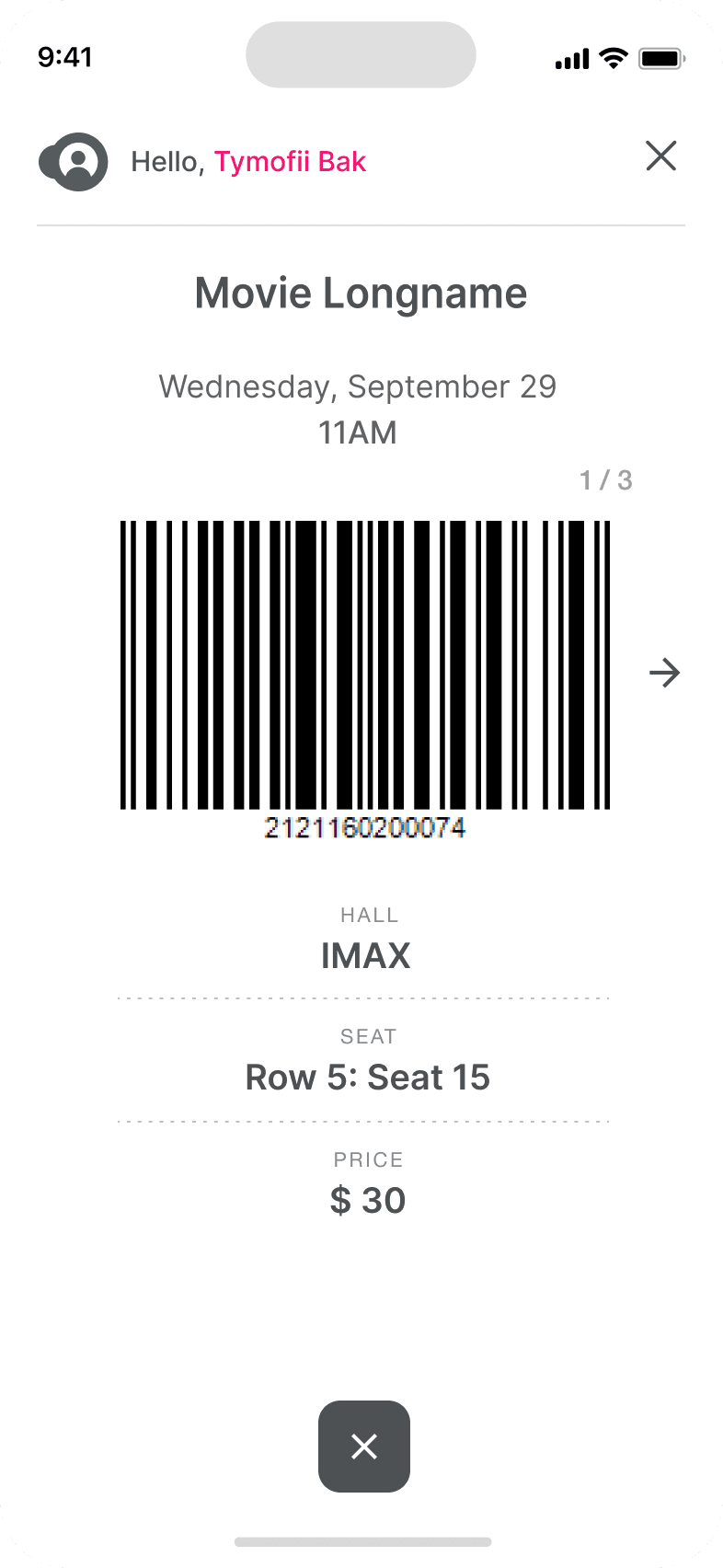
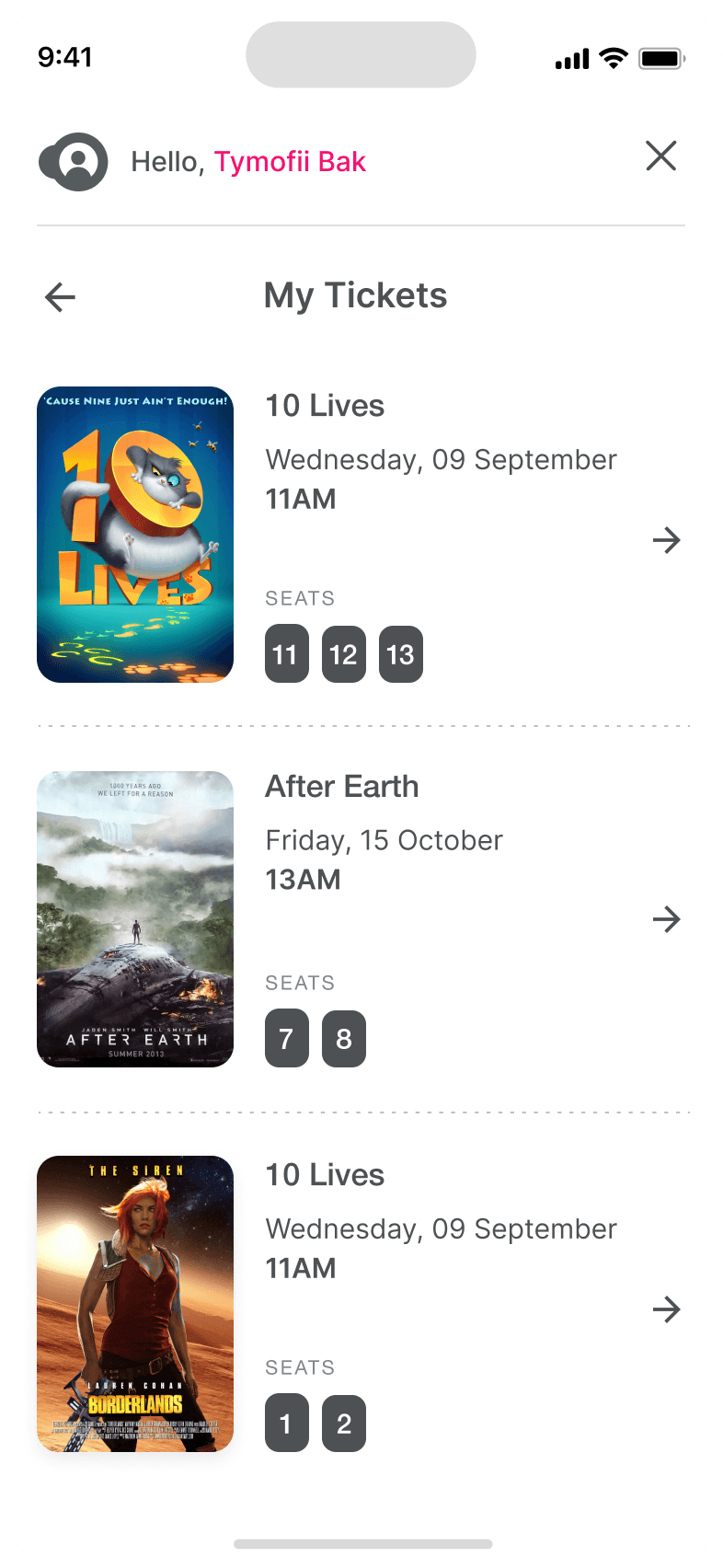
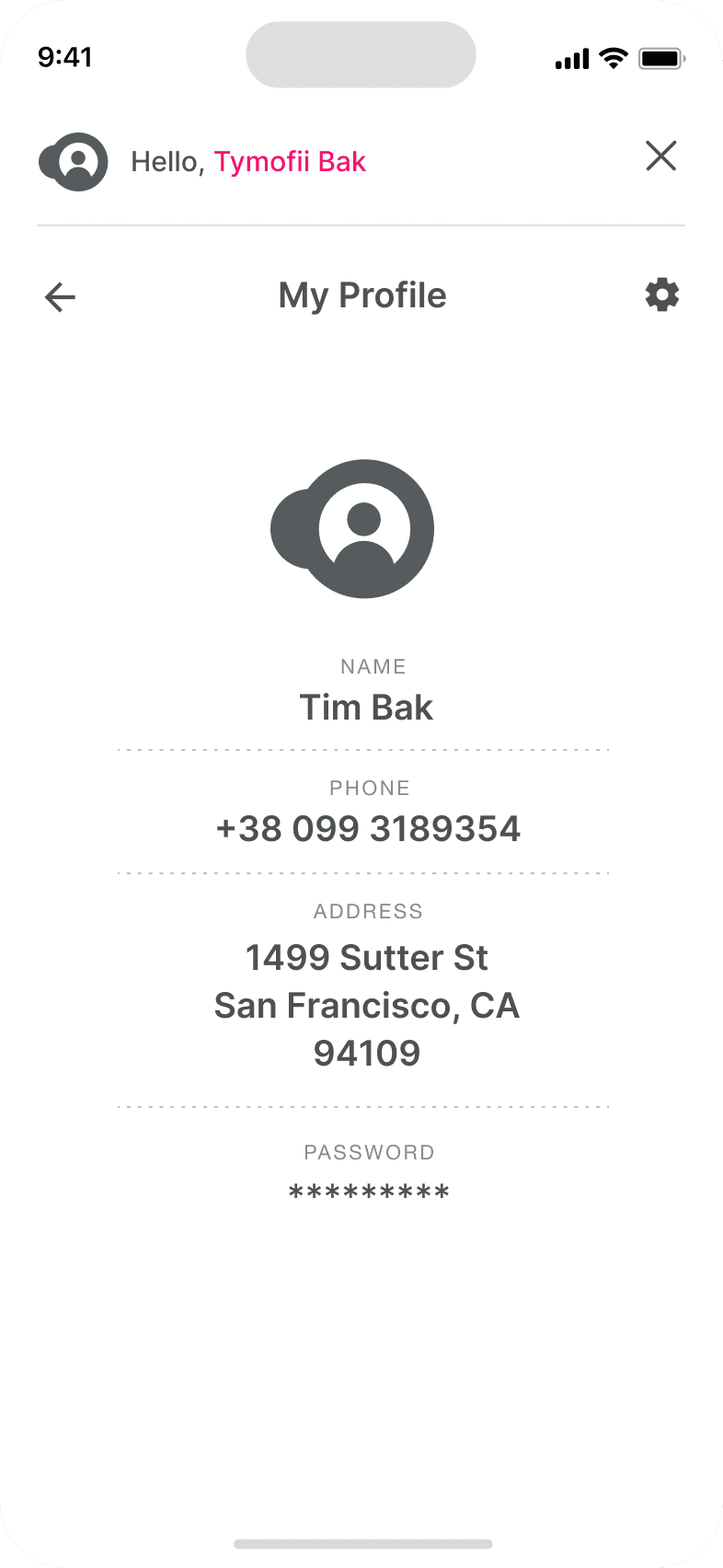
A consistent system of colour, type, icons and components turns research into interfaces that work across devices.
Mockups
Original project interface and research visuals are presented in their source language.
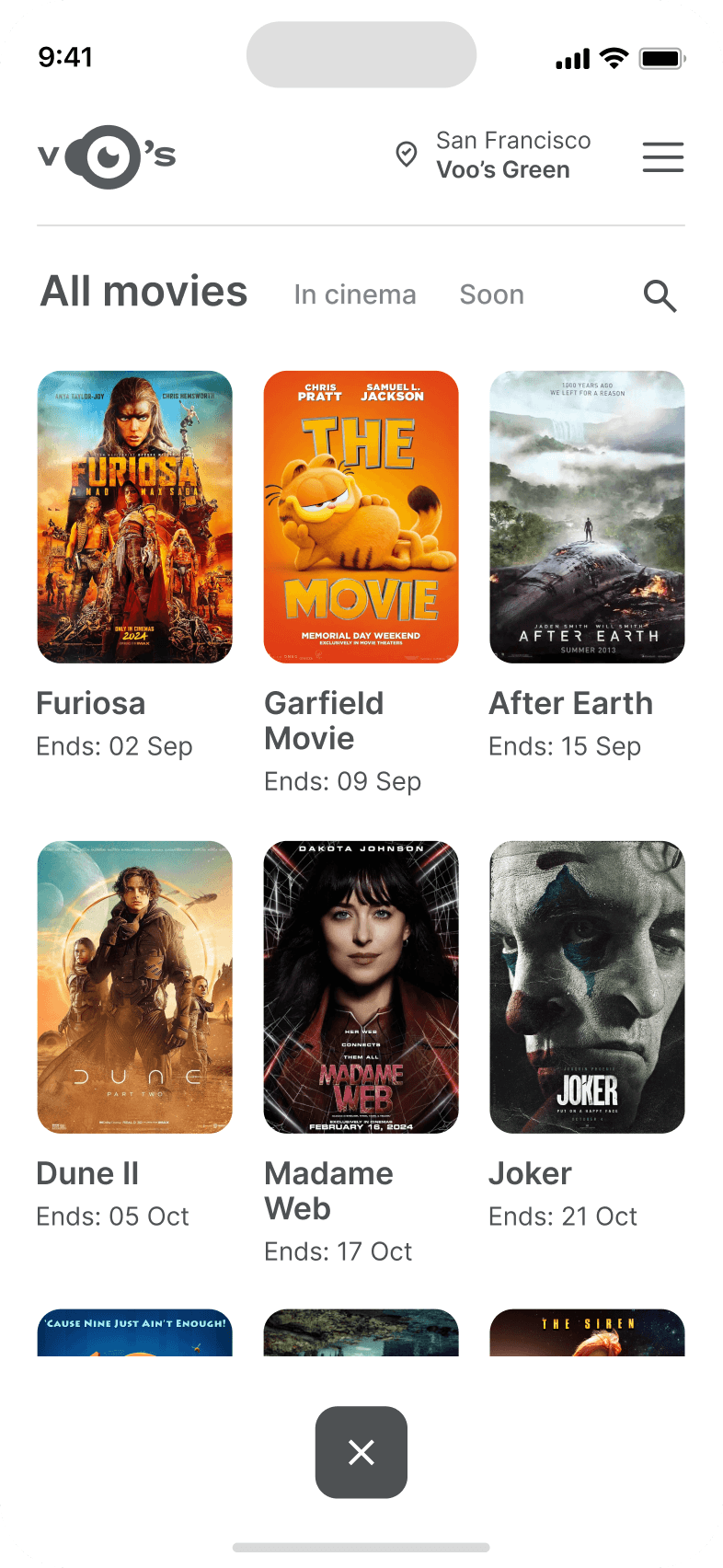
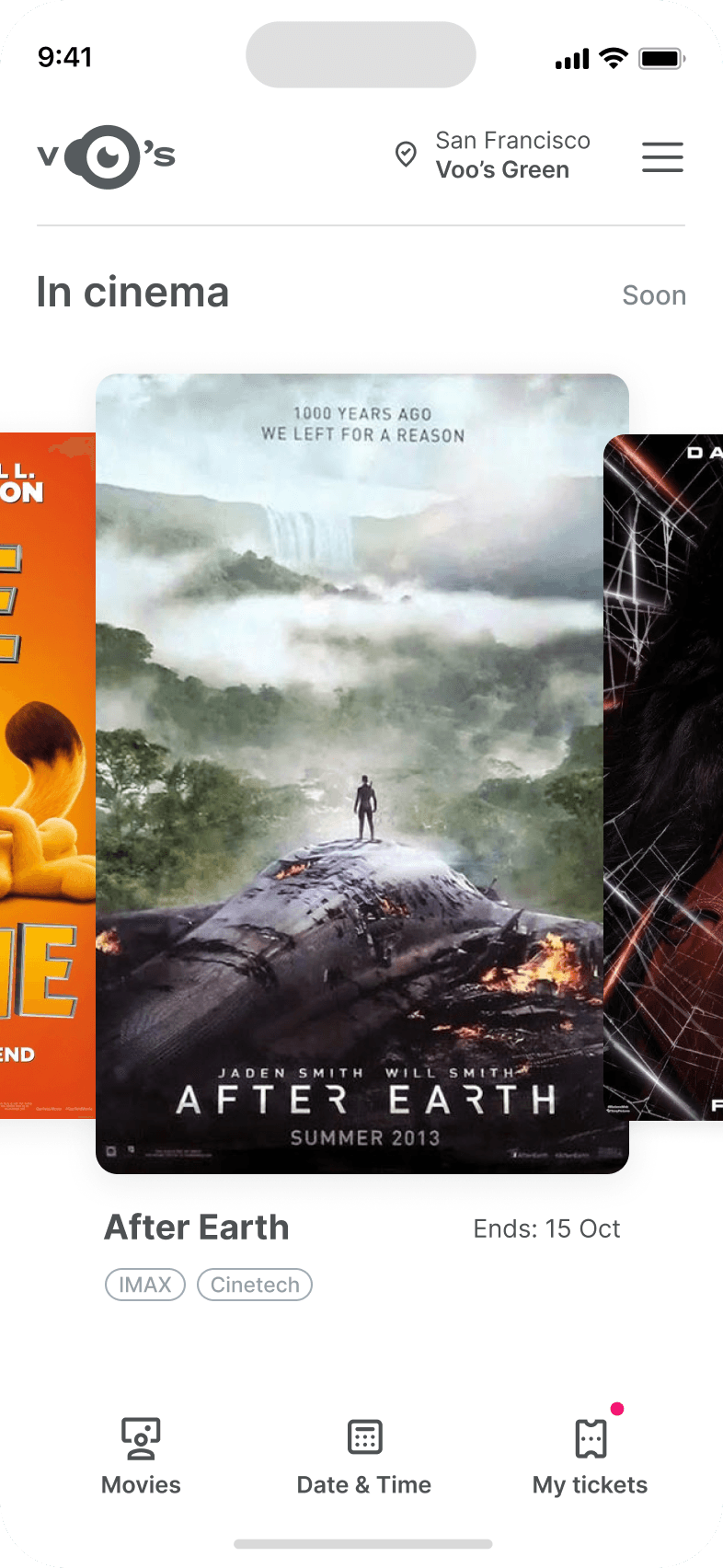
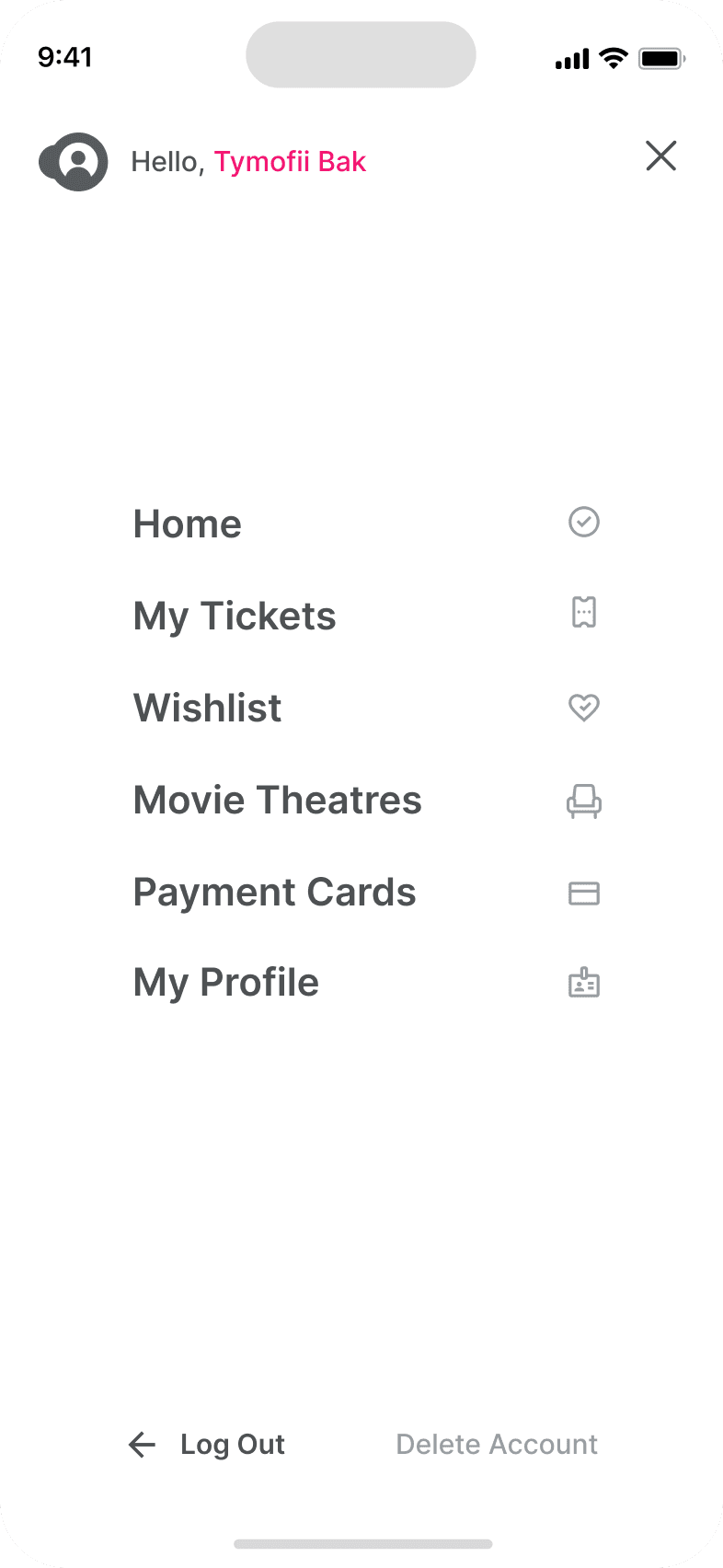
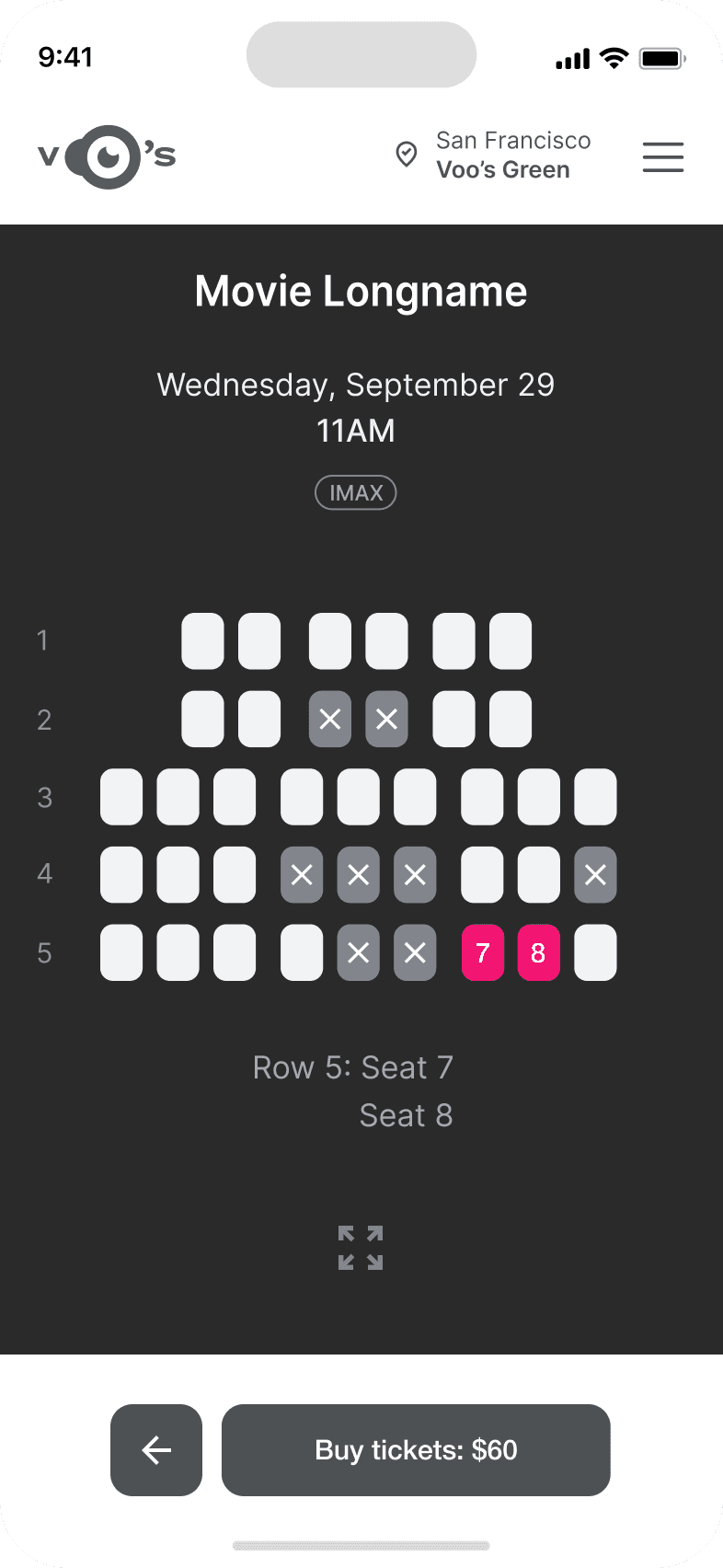
High-fidelity prototype

Outcome
Takeaways
Understanding real needs leads to clearer hierarchy and more coherent task flows. This portfolio demonstration makes no independently verified business claims.
Next Steps
Continue usability testing and collect real usage feedback. Address recurring issues before considering additional features.
Next projectCredroad